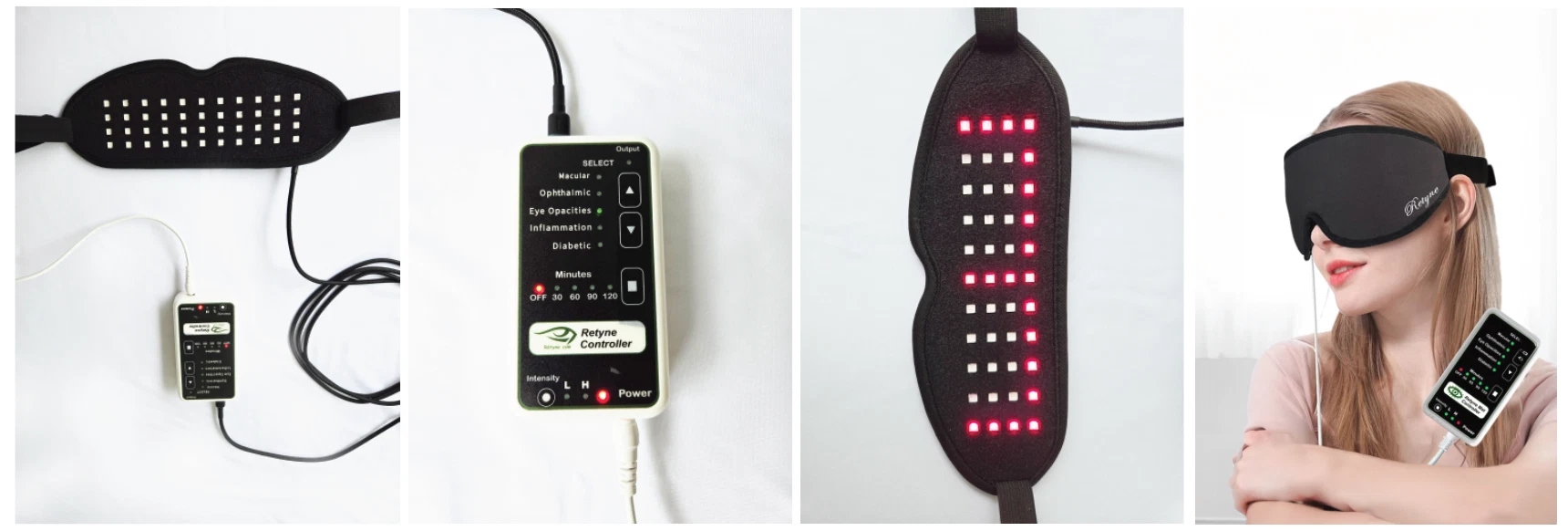
How to Connect the Retyne Device
Follow this complete visual connection walkthrough to link your power adapter, controller, and infrared eye mask safely for daily therapy sessions.
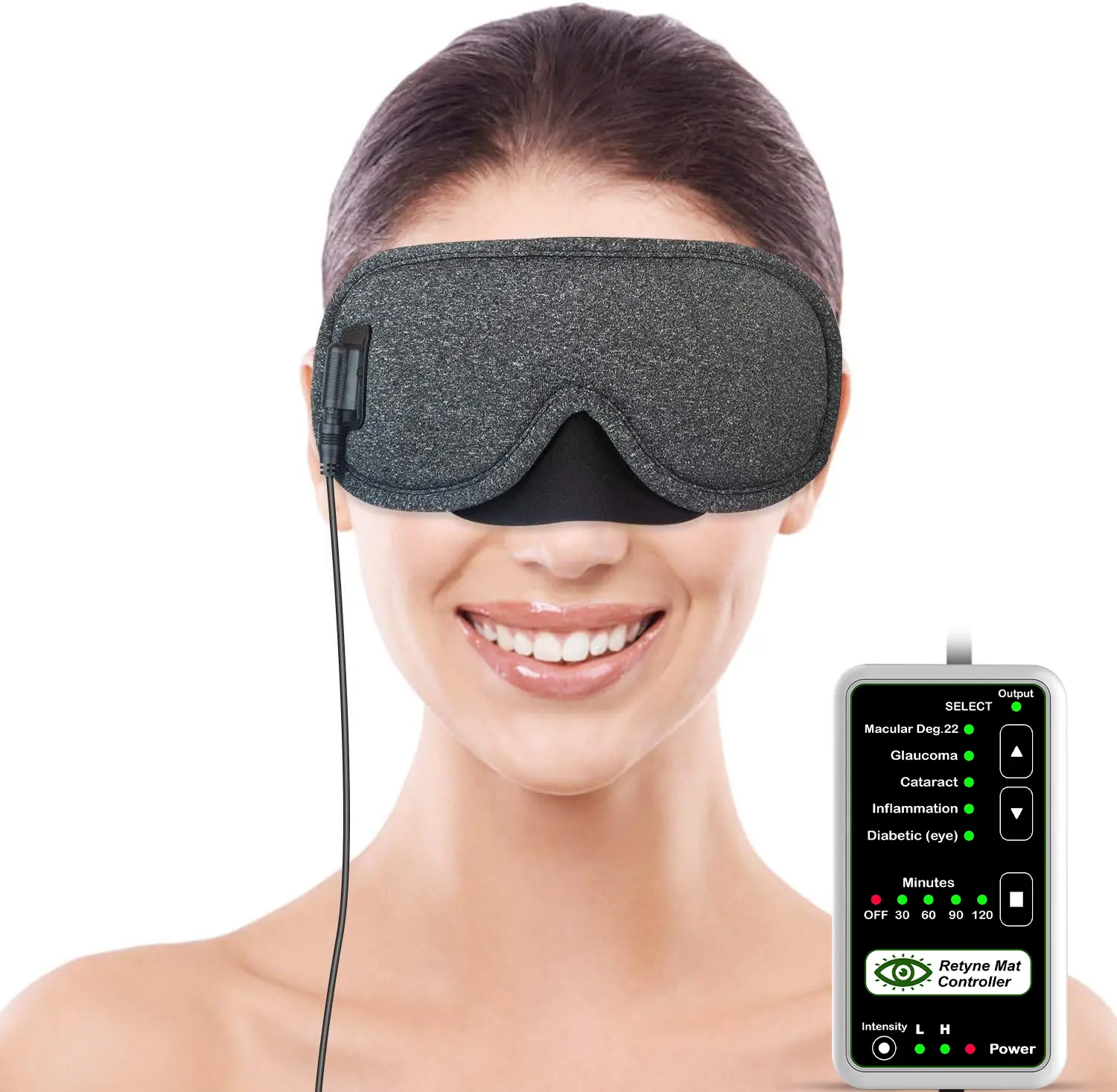
Infrared Eye Mat
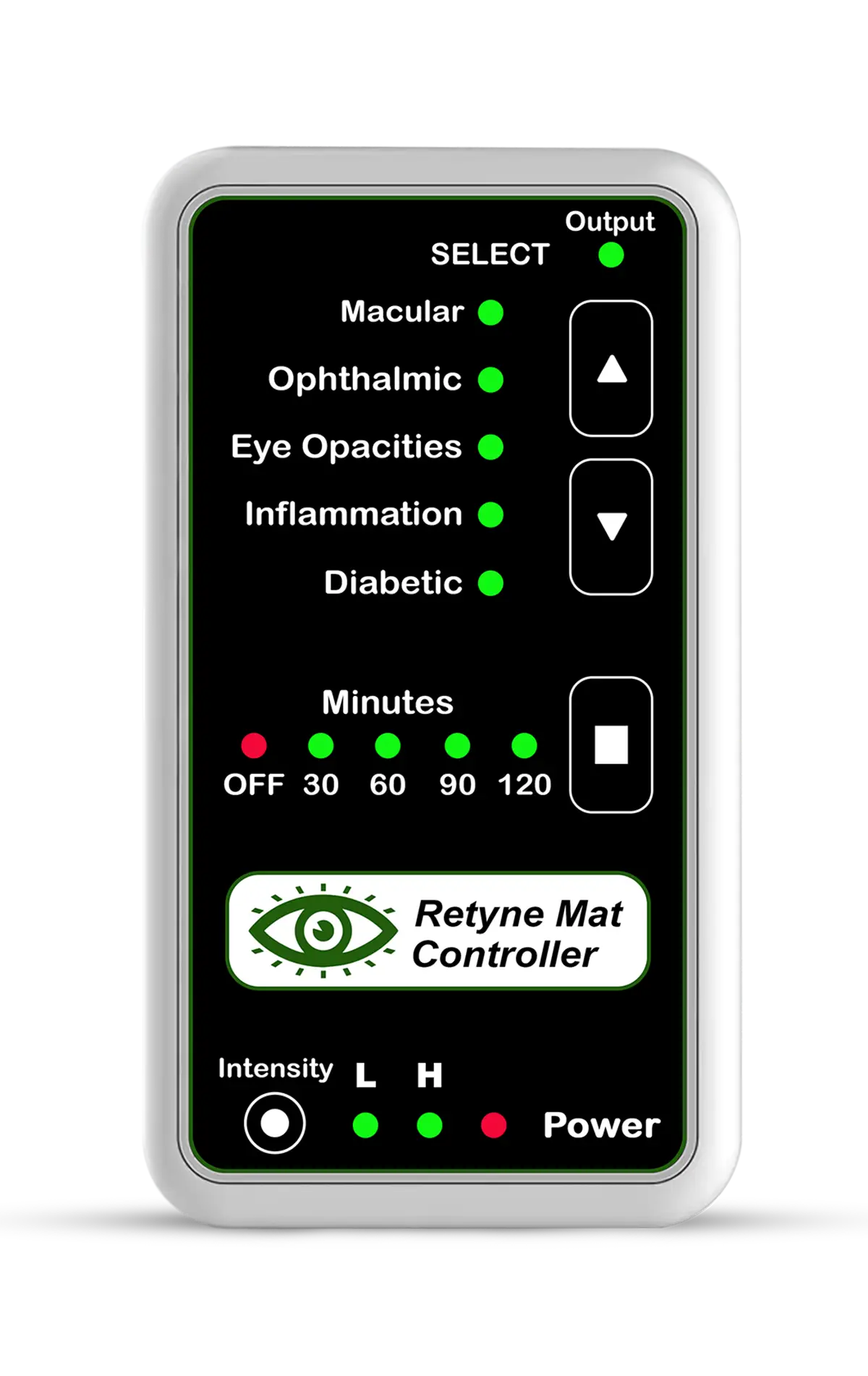
Digital Controller
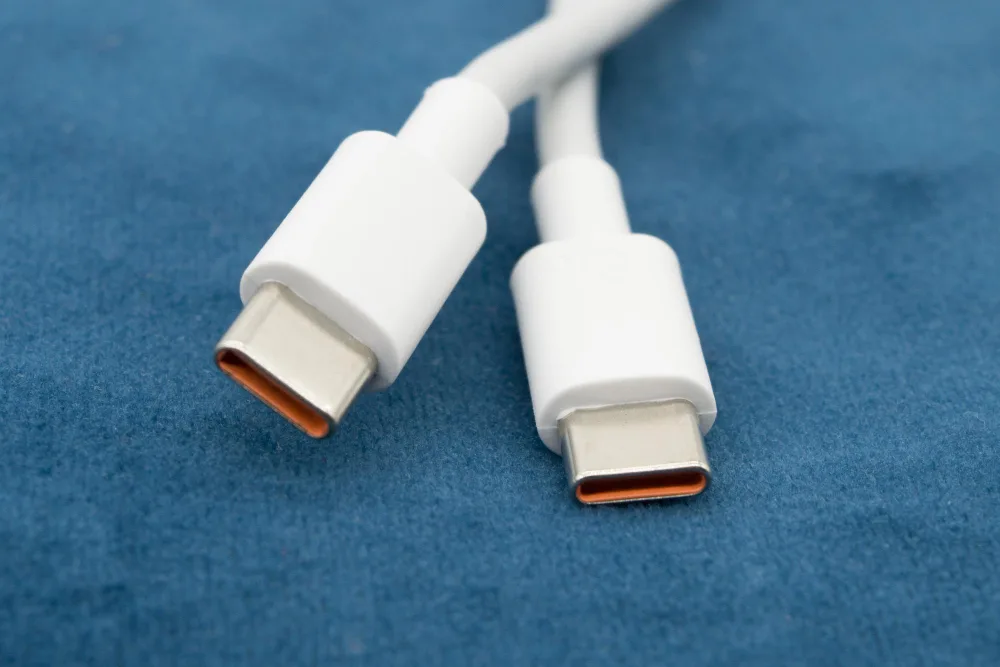
USB-C Cable
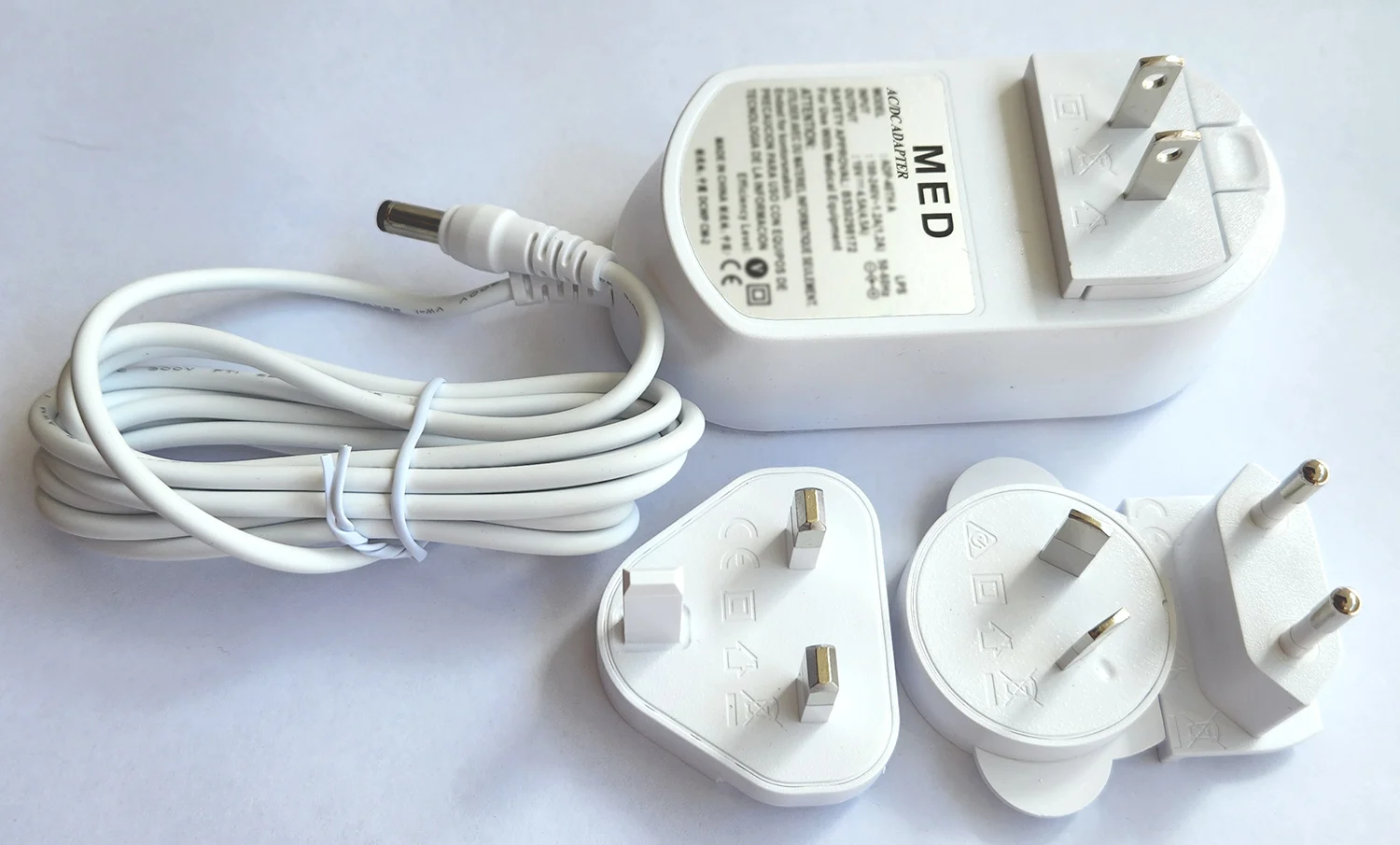
Power Adapter
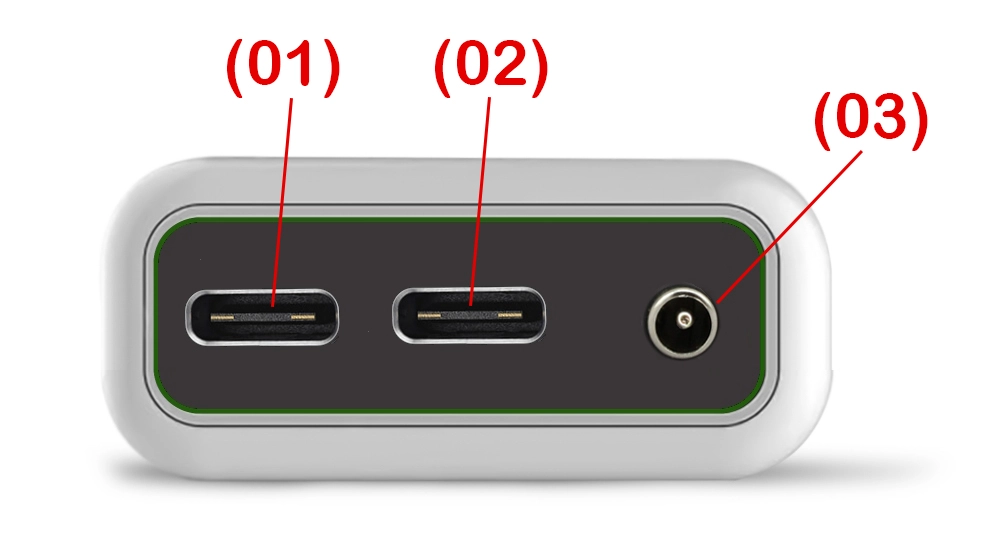
Controller Ports
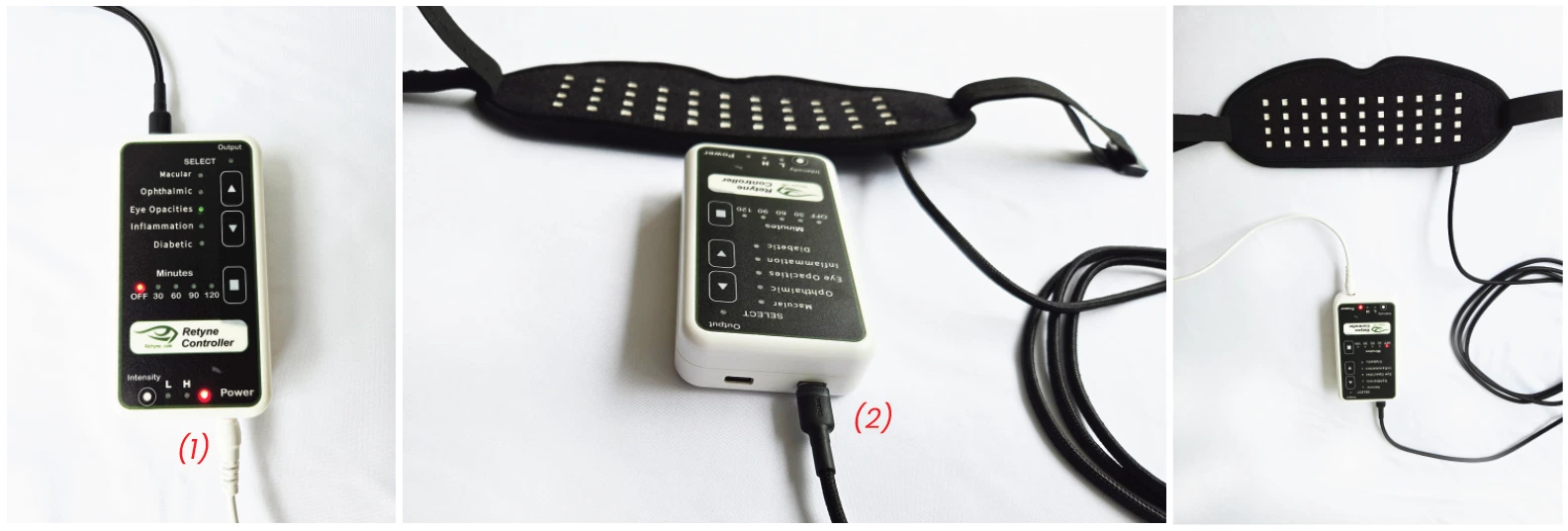
Connecting Controller to Mask & Power
Ensure both power and signal flow are properly established before powering on the unit:
- Power Connection (1): Insert the round DC power adapter plug firmly into the Power Port (03).
- Mask Connection (2): Connect one end of the USB-C cable into Controller USB Port (01) and the other end into the Retyne Mask.
- Status Check: Verify the red Power LED lights up to confirm stable current.
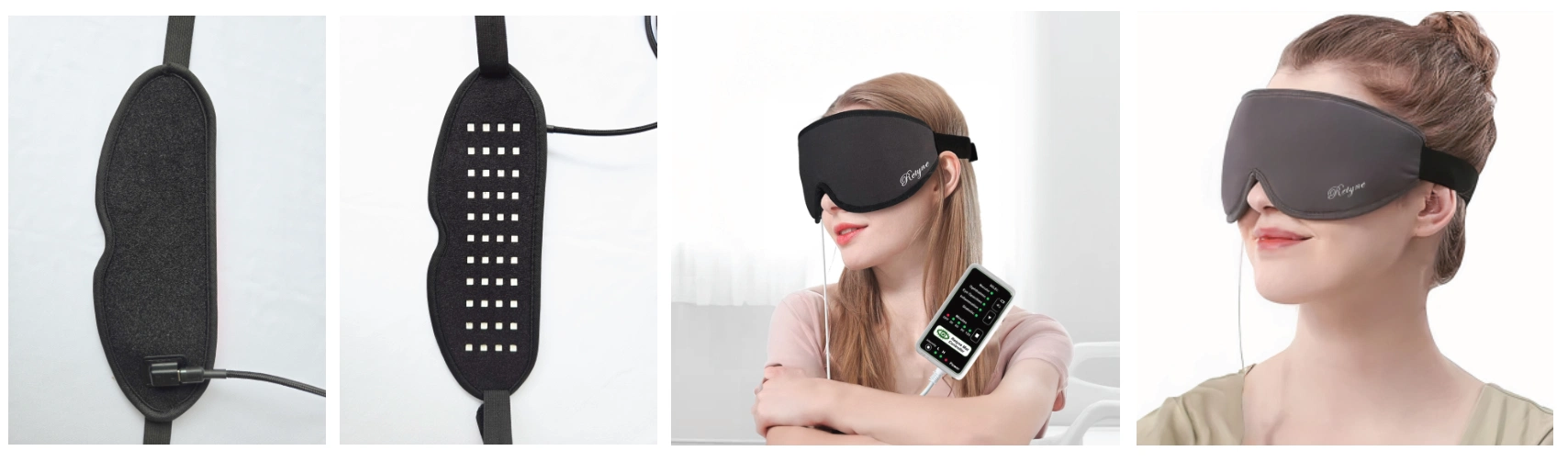
Proper Mask Placement & Fit
Positioning the mask comfortably allows the dual-waveband diodes to target retinal tissue smoothly without ocular pressure:
- Gentle Contact: Place the mask gently across the upper face. Do not overtighten the strap.
- Horizontal Strap: Fasten the rear Velcro strap straight across the occipital base for stable, relaxed comfort.
- Closed Eyes: Always close your eyes during therapy to allow full light penetration through the eyelids.
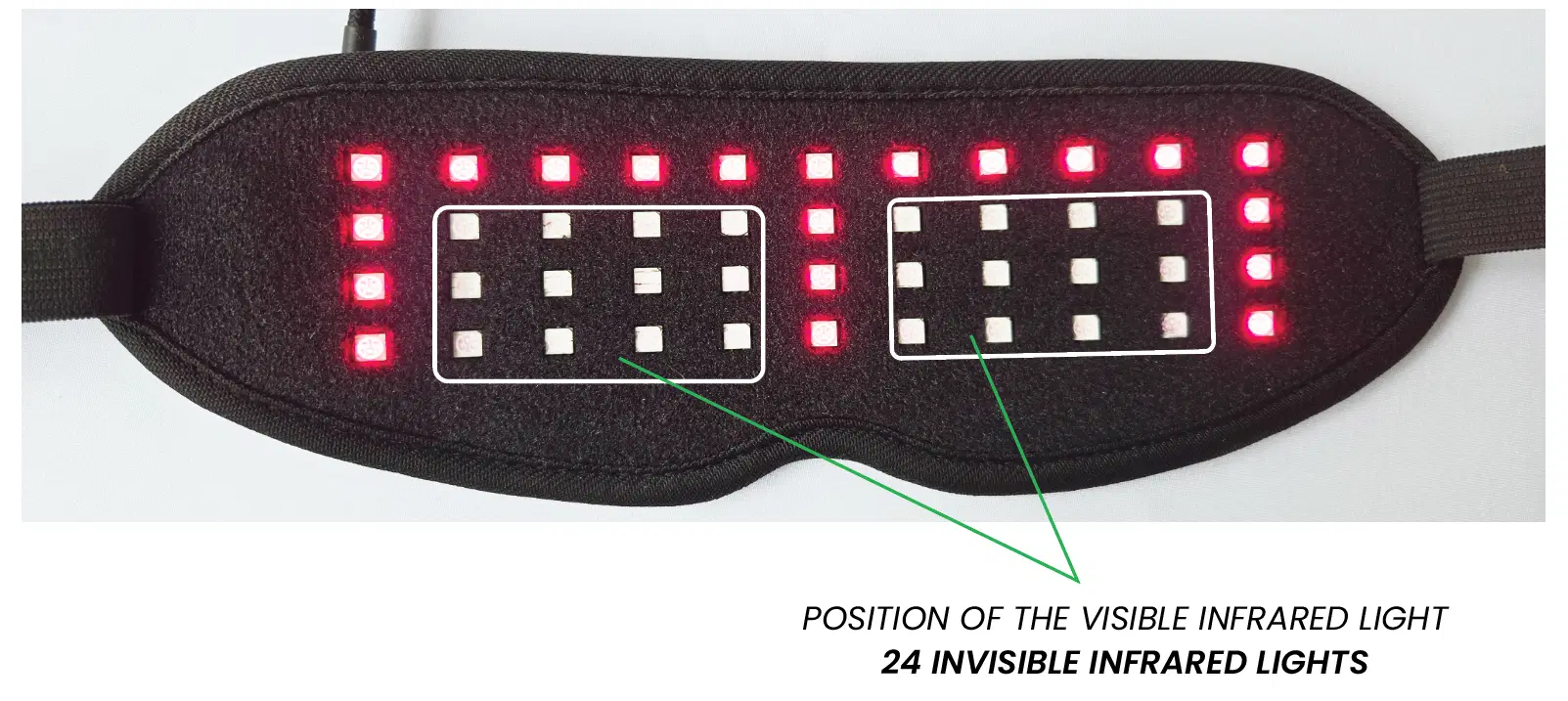
24 Invisible IR Diodes
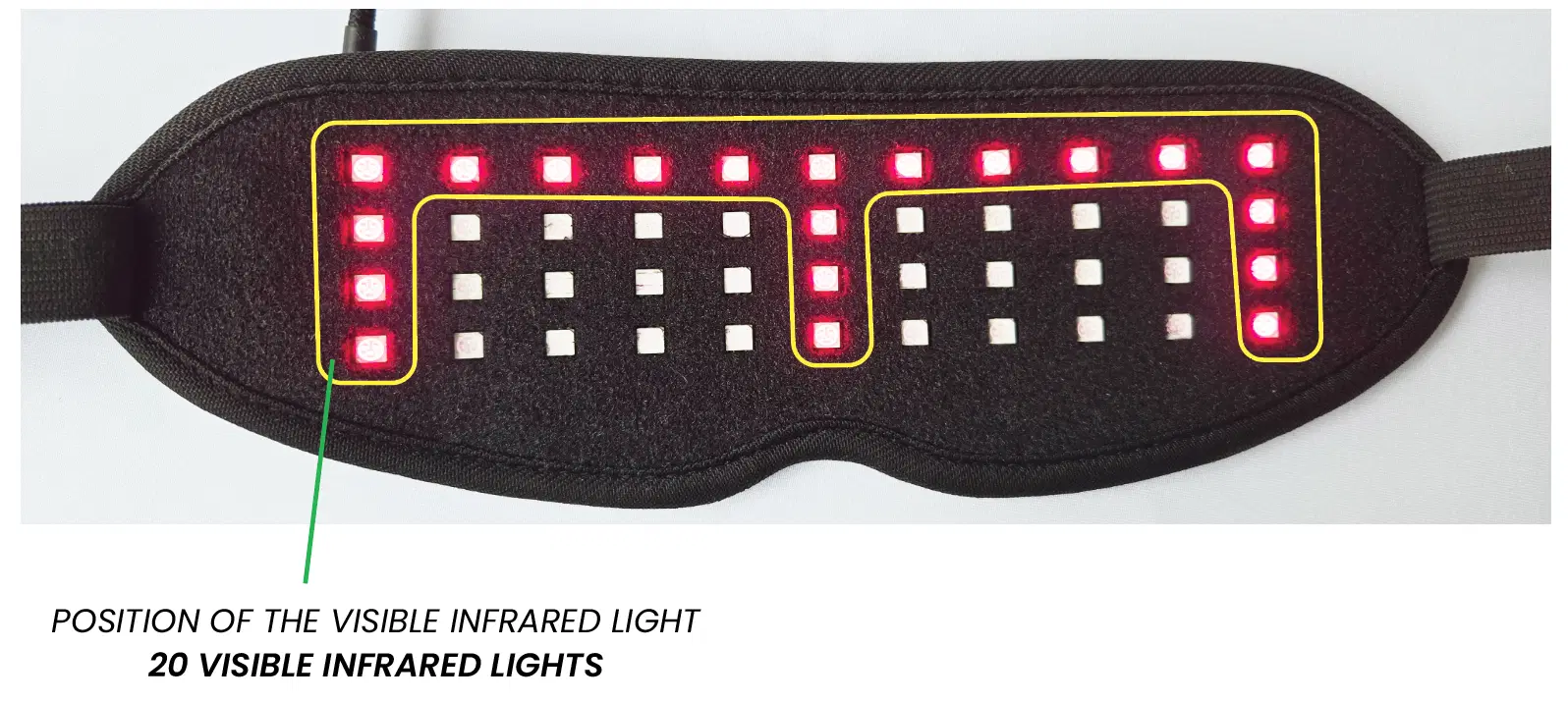
Visible Red LEDs
Position of Visible & Invisible Light
The Retyne mask employs advanced dual-spectrum matrix engineering:
The 24 diodes facing the eyes are INVISIBLE infrared. Even though human eyes cannot perceive this spectrum, they are active and delivering therapeutic resonance directly to retinal cells.
The visible red diodes provide peripheral calibration and superficial mitochondrial activation.
Suggested Timing & Intensity Settings
Session Duration
30 to 120 Minutes: Minimum recommended daily session is 30 minutes; maximum is 120 minutes per day.
Intensity Level
LOW Mode (Recommended): Start with LOW intensity for comfortable adaptation and optimal cumulative results.
In case of any ocular sensation or warmth, revert to LOW mode or reduce session duration to 15-20 minutes.