Rétyne: Inspired from the French word "Rétine" meaning retina, embodies its mission within its name.
— Advancing Vision and Eye Health with Innovative Technology

Advanced Machine Connections

Advanced Rife Machine Connections for Enhanced Eye Treatment

The standard Retyne controller offers verified general frequencies for all major eye disorders. For advanced clinical resonance protocols, owners of the Rife Machine RDPV4 can access individual specific frequency groups directly.

RDPV4 CLINICAL INTEGRATION

4-Step Connection Procedure

1
ACCESSING SPECIFIC GROUPS

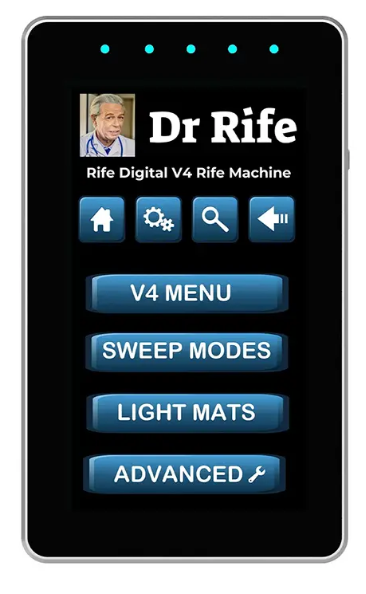
Navigate to the MENU setting or use the search bar on your RDPV4 to locate the specific “Group” number matching your diagnosed eye disorder.

2
CONNECTING THE DEVICES

Insert the Retyne USB-C cable into the top port of the RDPV4 machine. Ensure the Retyne Infrared Eye Mask is securely connected.

3
STARTING THE PROGRAM

Activate SWEEP mode on the RDPV4 to initiate the Specific Group program for continuous targeted frequency resonance.

4
ADJUSTING OUTPUT SETTINGS

Set your RDPV4 to the HIGH output setting when connected to the Retyne Eye Mask to optimize photobiomodulation transmission.

RDPV4 Machine
Rife Machine RDPV4
Rife Digital Professional V4